If your Coleman Mach AC fan is not working, there are several possible causes. First, check the circuit breaker and reset it if necessary.
If this does not fix the problem, then check to make sure that all connections and wiring are secure.
Additionally, inspect the fan motor for any damage or debris that could be blocking its operation.
If these simple steps do not resolve the issue, then you may need to replace either the blower motor or capacitor in order to get your Coleman Mach AC fan running again.
Lastly, if none of these solutions work then you may need to contact a professional HVAC technician for assistance with diagnosing and repairing your air conditioner’s issues.
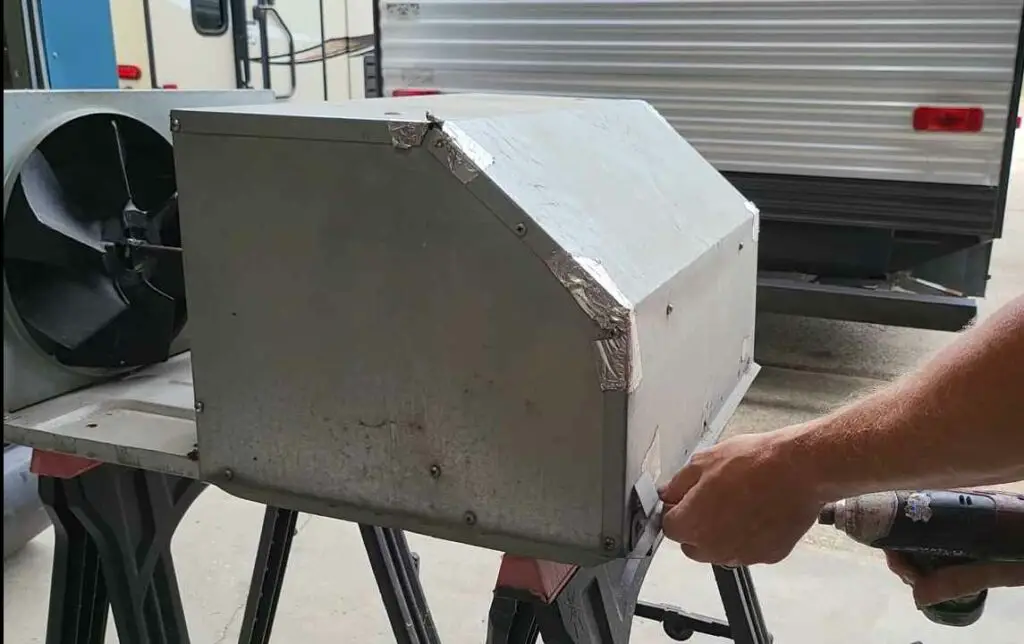
Coleman Mach Ac Not Turning on
If your Coleman Mach air conditioner isn’t turning on, you should first check to ensure the power source is functioning properly.
Check for a blown circuit breaker or tripped GFCI outlet and reset if necessary.
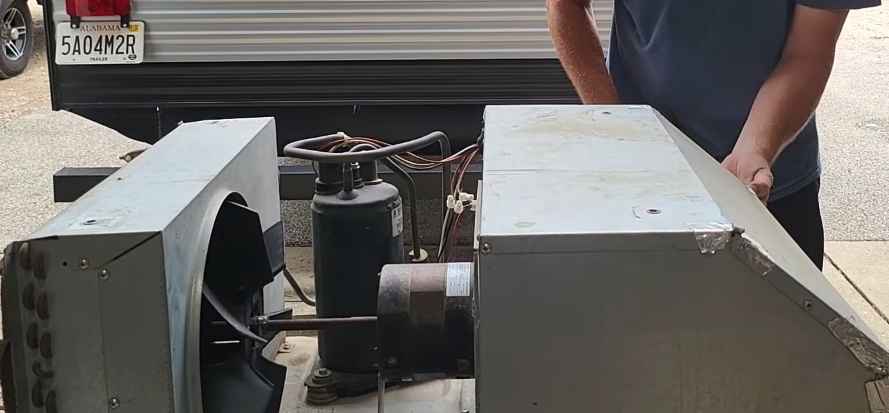
How to test RV AC fan motor?
Safety first: Before you start, ensure that the RV’s power source is disconnected to avoid any electrical accidents.
Access the Fan Motor: Depending on your RV’s AC unit, you may need to remove an access panel to reach the fan motor. Refer to your RV’s manual for specific instructions on accessing the AC unit components.
Visual Inspection: Once you have access to the fan motor, perform a visual inspection. Look for any signs of physical damage, such as frayed wires, burnt components, or debris obstructing the fan’s movement.
Check for Power: With the RV’s power source reconnected, turn on the AC system. If the fan motor is receiving power, you should hear a humming sound and see the fan attempting to spin.
Multimeter Test: To perform a more comprehensive test, you can use a multimeter to check the fan motor’s electrical continuity. Here’s how:
- a. Set the multimeter to resistance (ohms) mode.
- b. Disconnect the fan motor’s wiring from the power source.
- c. Identify the motor’s leads. There are usually three: high, medium, and low speed.
- d. Touch the multimeter probes to any two of the motor’s leads. Take note of the resistance reading.
- e. Repeat the process with the other lead combinations (three total).
- f. If the multimeter shows infinite resistance (OL) in all combinations, the motor’s windings may be open, indicating a faulty motor.
Capacitor Test: Many RV AC fan motors use capacitors to start and run. A faulty capacitor can cause the motor to fail. To test the capacitor:
- a. Disconnect the capacitor from the fan motor.
- b. Use a multimeter in capacitance mode and touch the probes to the capacitor’s terminals.
- c. Compare the reading to the capacitor’s rated capacitance. If the reading is significantly lower or higher, the capacitor is likely faulty and needs replacement.
Check for Obstructions: Sometimes, the fan motor may appear faulty due to debris obstructing its movement. Carefully inspect the fan blades and surrounding area to ensure there are no obstructions.
Motor Replacement: If all tests indicate a faulty motor or capacitor, it may be necessary to replace the fan motor. Contact your RV manufacturer or a qualified technician for the appropriate replacement part and installation.
How Do I Reset My Coleman Mach Air Conditioner?
If you need to reset your Coleman Mach air conditioner, the process is actually quite simple.
Begin by switching off the power supply and disconnecting the unit from its electrical source.
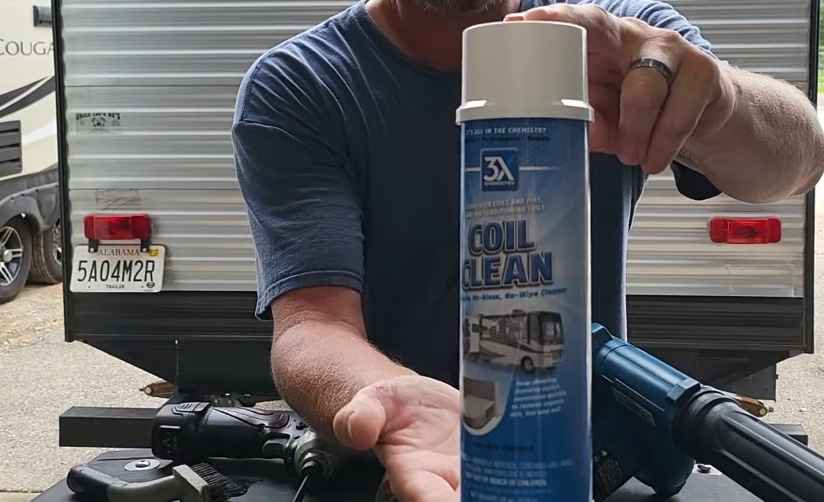
Next, locate and remove any debris that may have collected around the condenser coils or fins on the outside of the unit.
After this step has been completed, turn back on your power supply while holding down both buttons located on top of your air conditioner for approximately five seconds.
This will reset it to factory settings, allowing you to enjoy cooler temperatures in no time!

We have two Coleman Mach ACs on our Class A diesel (2013 Tiffin Allegro Red). ACs work fine when sitting still and on generator power. When we are driving and use the generator to power the ACs, they work fine for a few miles, but then all we get is warm air. Today we tried only using the front AC with the same result. Note we are in Oklahoma with very hot temps. We’ve asked several RV techs, RV forums, etc. and no one has a clue. Any guidance? Thank you!
Really sorry, Jennifer B
I’ve currently less expertise to your specific (2013 Tiffin Allegro Red) one. But here are some general thoughts about your issue that might help you more understanding.
Re-check this:
Airflow Restrictions: Check if there are any obstructions or blockages in the air vents, ducts, or filters of the AC units. Reduced airflow could lead to inefficient cooling.
Overheating: Driving in hot weather conditions might cause the AC units to overheat. Check if the condenser coils or the exterior of the AC units are covered with dirt, debris, or anything that could impede proper heat dissipation. Clean the coils if necessary.
Generator Overload: Verify that the generator is appropriately sized to handle the power requirements of both AC units simultaneously. Running multiple air conditioners can put a significant load on the generator, and if it’s not powerful enough, it might trip or shut down.